For every reader

Scripture, accessible to all.

Gospify is built on Apple's own accessibility — VoiceOver, Voice Control, Dynamic Type, Switch Control, high contrast and reduced motion.

Our commitment

The Word of God is for everyone. Gospify is built as a first-class native app on every platform, which means we inherit all of the accessibility infrastructure Apple and Google have spent decades refining. We then add proper labels, traits, grouping, and semantic ordering on top — because accessibility isn't a compliance checkbox, it's whether someone can actually pray with the app.

We test with VoiceOver on every release. If something doesn't read well to you, we want to hear about it.

Screen-reader support

Every interactive element in the app has a proper accessibility label, a hint where the action isn't obvious, and correct traits (button, link, header). Decorative ornaments are marked hidden so VoiceOver skips them. Reading order follows the visual order top-to-bottom, left-to-right.

VoiceOver (iOS / macOS)

Every screen reads with VoiceOver. In the Bible reader, each verse has VoiceOver actions for notes, cross-references, copying, sharing and memory verses, so you don't need the long-press menu.

TalkBack (Android)

Semantics tagged on every Compose screen. Live regions announce streak milestones, quest completion, and AI replies.

Voice Control & Voice Access

Every button speaks its name. "Tap Begin Lesson", "Tap Ask Lumen" — no number overlay needed.

Switch Control

Full-app reachability via external switches. Focus order groups related controls so navigation is efficient.

Vision & readability

  • Dynamic Type — text scales with your system text size, up to the largest accessibility size, and rows that sit side by side stack at the largest sizes. If you find text cut off anywhere, tell us and we'll fix it.
  • Crimson Pro was chosen for scripture body text precisely because of its generous x-height and wide letter-spacing — it reads well at every size.
  • Bold Text honored — interface text thickens, and the scripture and heading typefaces switch to their heavier weights.
  • Increase Contrast honored — dividers and card borders get stronger, and secondary text darkens toward the ink colour. All text meets WCAG AA contrast with or without it.
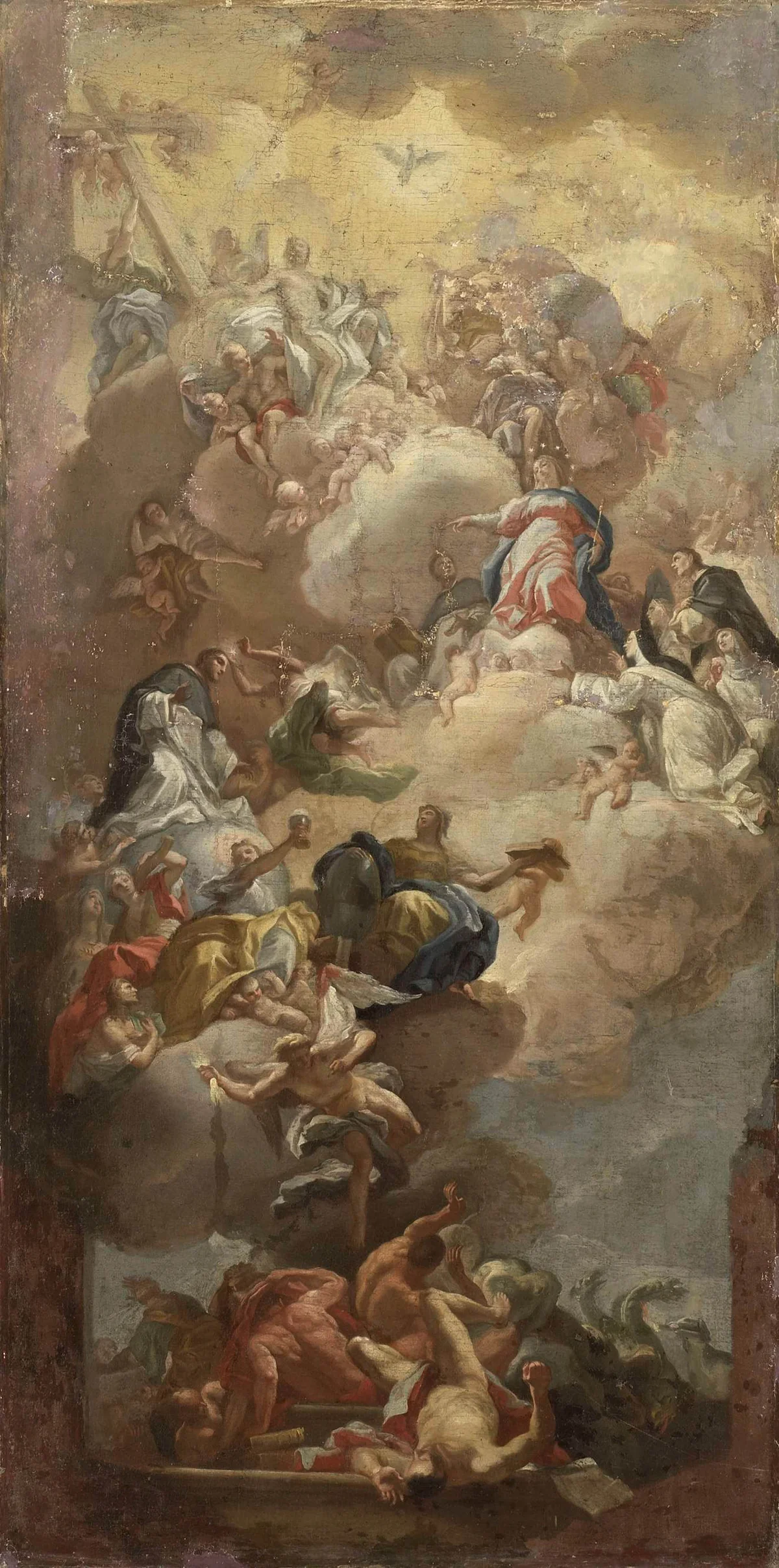
  • Reduce Transparency honored — system blurs turn solid, and the fresco backdrops are drawn at half strength behind text.
  • Smart Invert / Dark Mode — a purpose-built Renaissance-night palette (ultramarine + gilt) that was designed from first principles rather than auto-inverted.

Motion & interaction

  • Reduce Motion honored — the menu's shrink-and-slide, springs and looping animations are turned off or swapped for a crossfade.
  • Haptics — gentle taps on selection, lesson-complete chime. All can be muted in Settings.
  • No flashing content — nothing in the app flashes at a rate that could trigger photosensitive seizures. We avoid strobing altogether.
  • Tap targets — every interactive element is at least 44×44 points, per Apple HIG, with generous padding.
  • Timeouts — lessons never auto-advance. You decide when to move on.

Keyboard & Mac

  • Full keyboard flow on Mac — Tab cycles all controls in visual order, Enter activates, Escape cancels, Space scrolls.
  • ⌘1–⌘8 jump between Today · Path · Quests · Ask Lumen · Plans · Library · Shop · Knowledge Center.
  • Focus rings are visible on every control — never suppressed.
  • Menu bar commands mirror the sidebar so everything is reachable without a mouse.

Privacy-friendly accessibility

All accessibility settings are read from the OS and applied locally. Gospify never records which accessibility features you use, never sends that data anywhere, and never uses it to segment or target users. Your use of VoiceOver is yours alone.

Something doesn't work?

If anything in the app is unreachable, mislabelled, or unreadable with an assistive technology, please email — and if you can include the specific screen and what assistive tech you were using, we can usually fix it within the same week.

Report an accessibility issue